 VIEW PROJECT ↗
Telecommunications · Web App
Omnichannel Platform
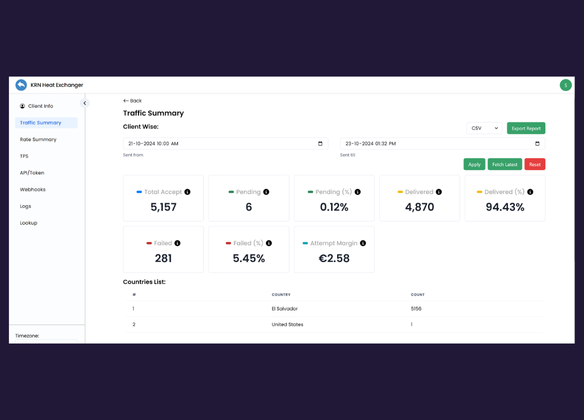
Built a custom dashboard that tracks the SMS sent, received along with ability to load campaigns.
See what we built ↗SOLUTION / CRM & APP INTEGRATIONS
Connect your CRM, forms, inbox, and internal tools so your team does not have to move the same information by hand.
We define where each piece of information belongs, which changes should sync, and what happens when records disagree.
Talk through your disconnected tools ↗30 minutes with Harsh. Bring the process, not a technical brief.
HOW THE WORK MOVES
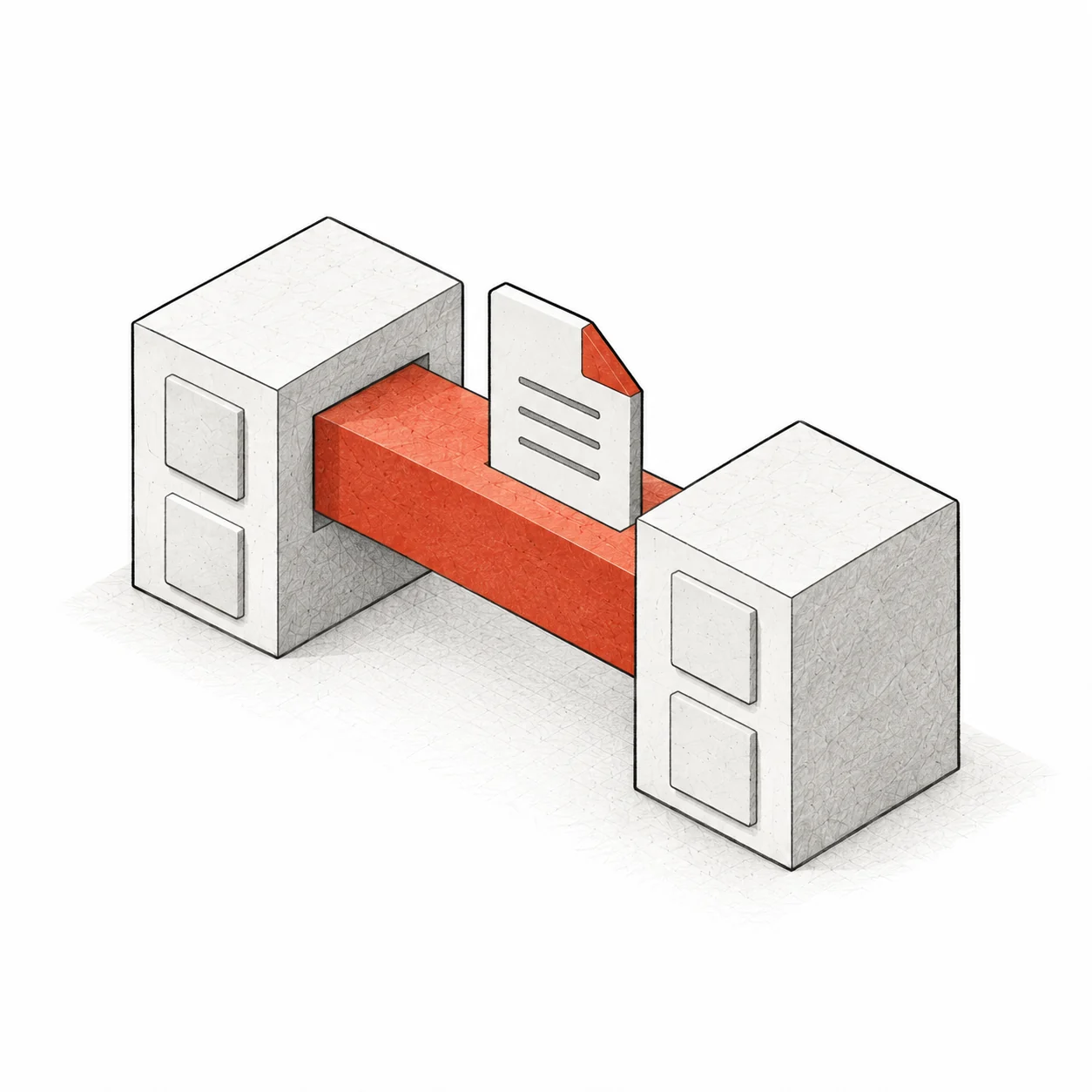
Listen for the agreed event in the system that owns the information.
Match the record, check for duplicates, and apply the field rules.
Record the result. Route failures for retry or review instead of losing them silently.
EXPLORE AN EXAMPLE
Send the sample enquiry to see its details become a CRM record and a sales task.
ONE ENQUIRY. NO RE-TYPING.
Needs a quote for a team transfer.
No record created yet.
No task assigned yet.
See the record and owner update together.
WHAT CHANGES FOR YOUR TEAM
A connection is more than moving fields from one screen to another. We agree which system owns each field, when updates run, and how your team spots a failed handoff.
OUR WORK
Explore the software we’ve built for our clients.
VIEW PROJECT ↗Telecommunications · Web App
Built a custom dashboard that tracks the SMS sent, received along with ability to load campaigns.
See what we built ↗A DEFINED FIRST PROJECT
Pick the two systems your team copies between most often. We connect one defined record type before expanding the workflow.
AGREED BEFORE YOU COMMIT
You approve the deliverables, price, timeline, and running costs before paid work starts.
Discuss your first project ↗BEFORE WE BUILD
We start with the tools you use, including CRMs, forms, spreadsheets, and internal apps. We check their APIs, webhooks, account plans, and permissions before confirming compatibility.
Where supported, yes. We define which system wins for each field and how to avoid update loops. One-way sync may be simpler when one tool owns the record.
Ongoing sync and historical cleanup are different jobs. If you need deduplication, imports, or migration, we include that explicitly in the scope.
We check supported alternatives such as exports or built-in connectors. If reliable integration is not practical, we explain the limitation before proposing a build.
We identify the specific accounts and permissions required for the connection. Access, credential ownership, and handover are agreed before implementation.
LET’S LOOK AT YOUR PROCESS
Bring one example of information your team keeps copying. We’ll map the handoff.
30 minutes with Harsh. No obligation.